Article Overview
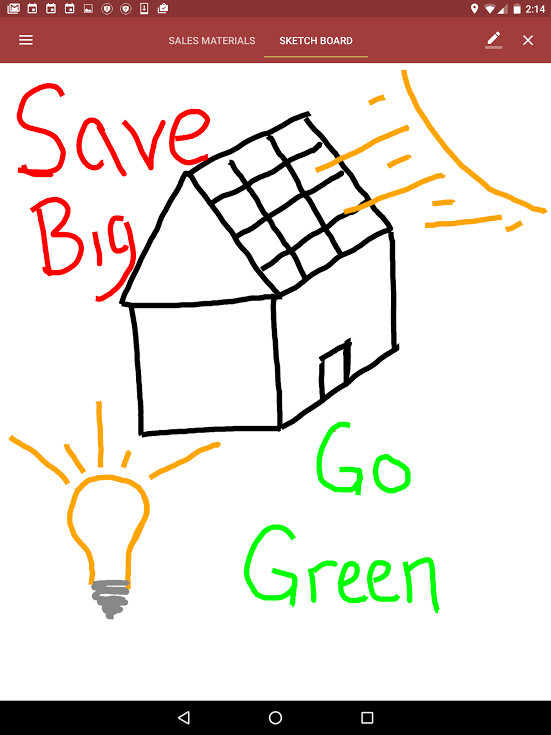
The Sketch Board can be a great resource for adding visualization to your sales. This article will visit how to access and utilize the Sketch Board from an Android Device.
Part 1: Accessing the Sketch Board
- To get to the Sketch Board in the app click on the icon with three lines in the upper left-hand corner.
- Then click on "Tools" -> "Sketch Board"
Part 2: Unleash Your Inner Artist
You should be welcomed to a blank canvass, let's pick our tools and get going!
- Select Your Artist Tool - The sketch board settings are found in the upper right-hand corner as a "pencil" icon. You can select between 8 different colors, 3 widths, and an eraser.
- Clear All-You can clear the page by clicking on "X" in the upper right-hand corner.